Today’s stops, in order, with directions
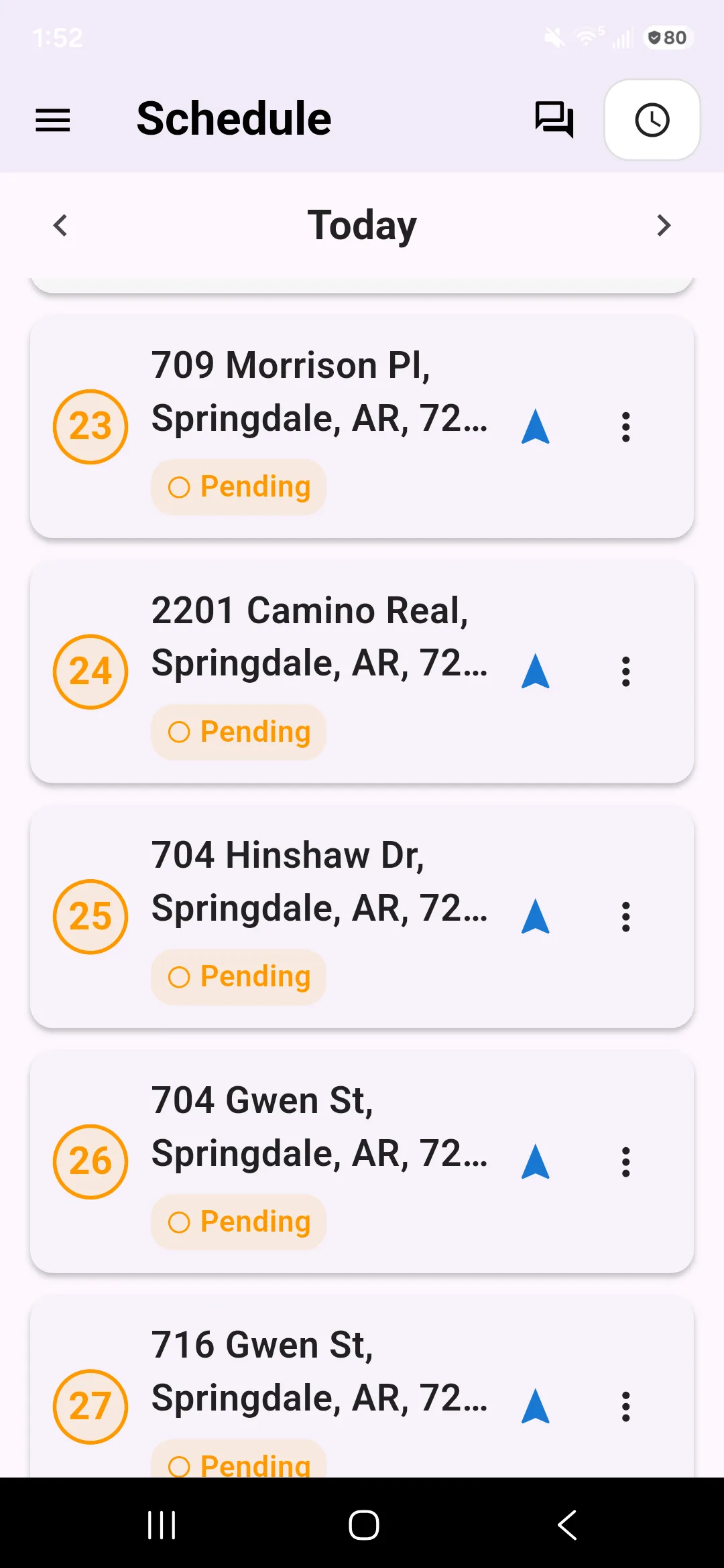
The app opens on your schedule. Tap a stop to see the address and the notes, then open it in Maps for directions.
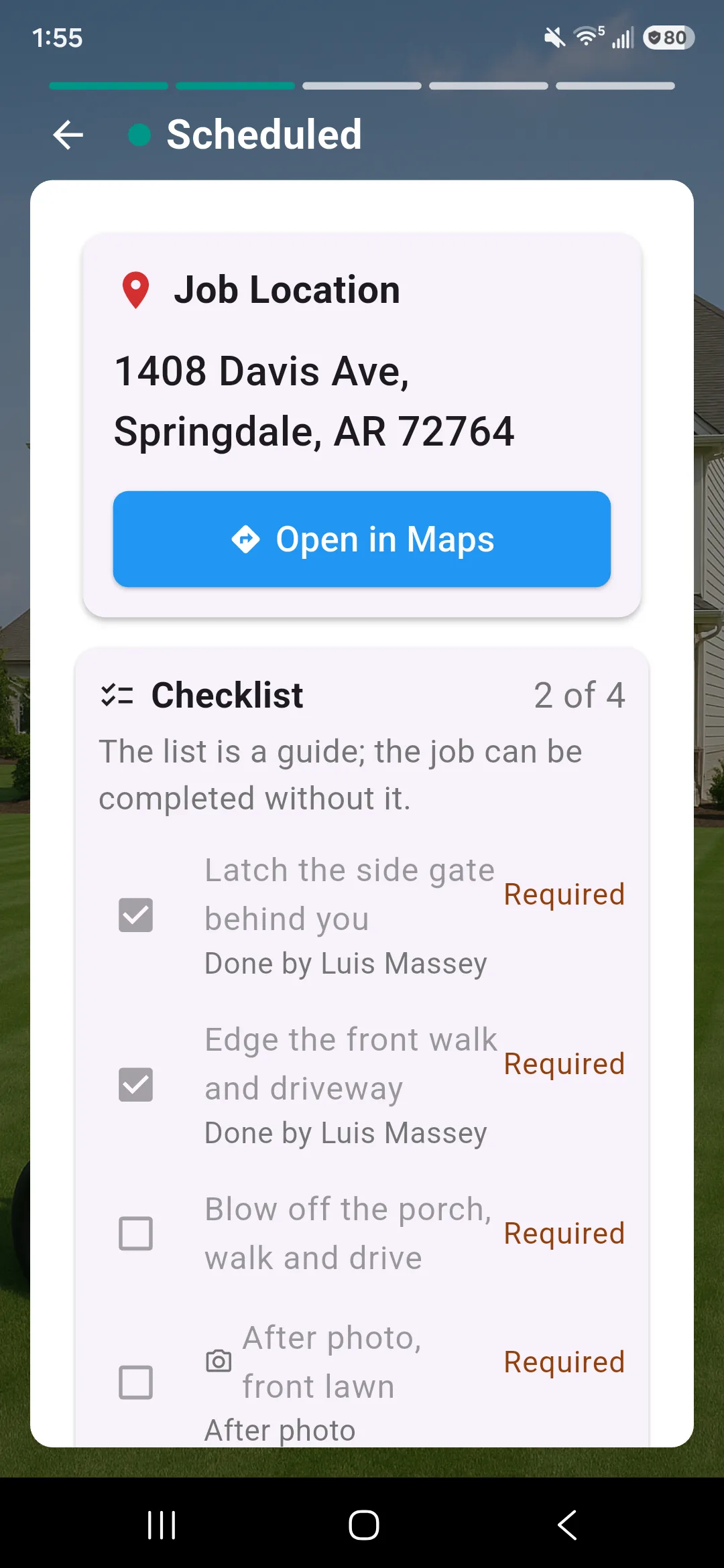
For crew leads. Open the app, see your stops, tap for directions, snap a photo and mark the job done. Prices stay out of sight.
30-day free trialNo cardNo contract
Which yard is next, what is the gate code, did the other truck finish. A crew lead needs answers in the truck, not a stack of paper and a phone call.
The app shows your crew’s work and nothing else.
The app opens on your schedule. Tap a stop to see the address and the notes, then open it in Maps for directions.
Take the photos your business asks for, tap Start Job, do the work, add the finish photos and tap Complete Job. The job records where it was marked done.
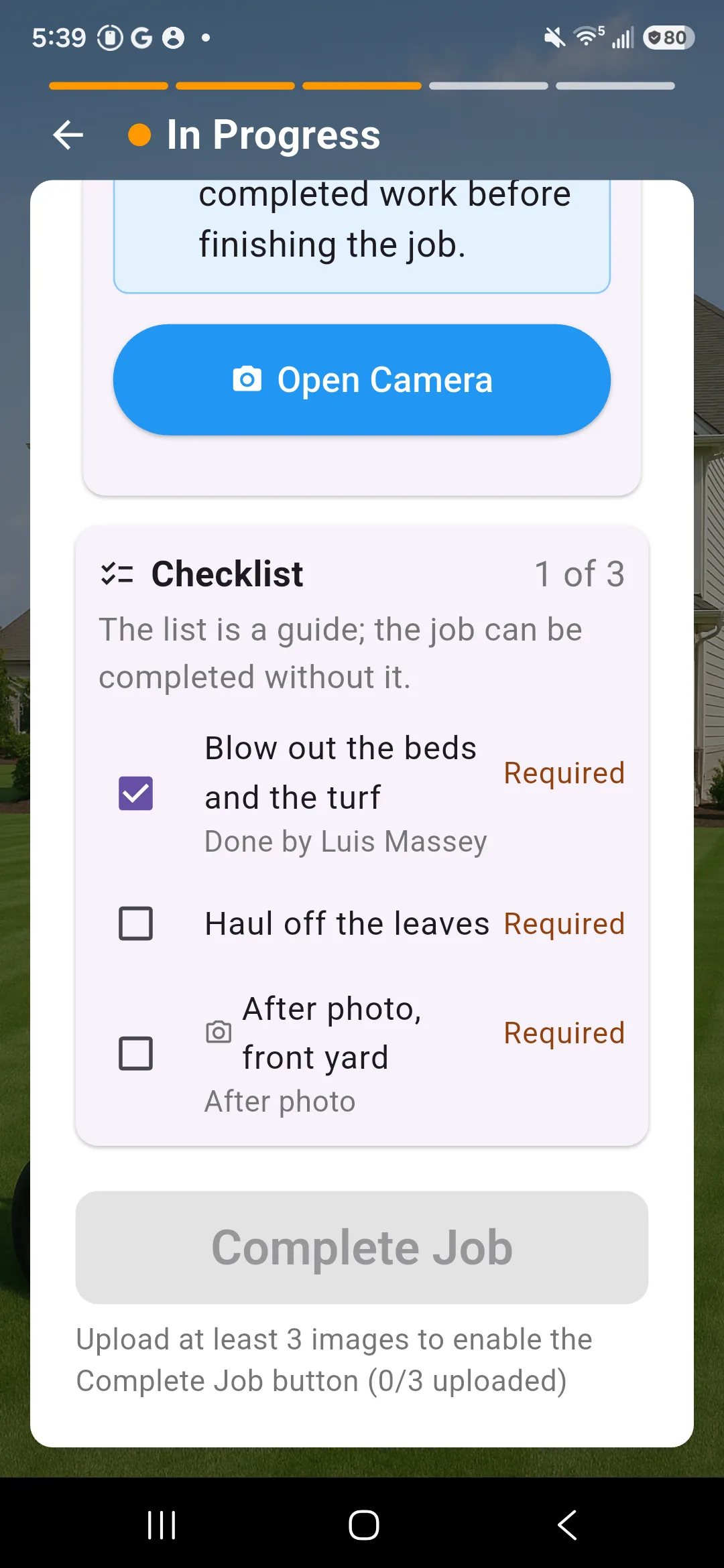
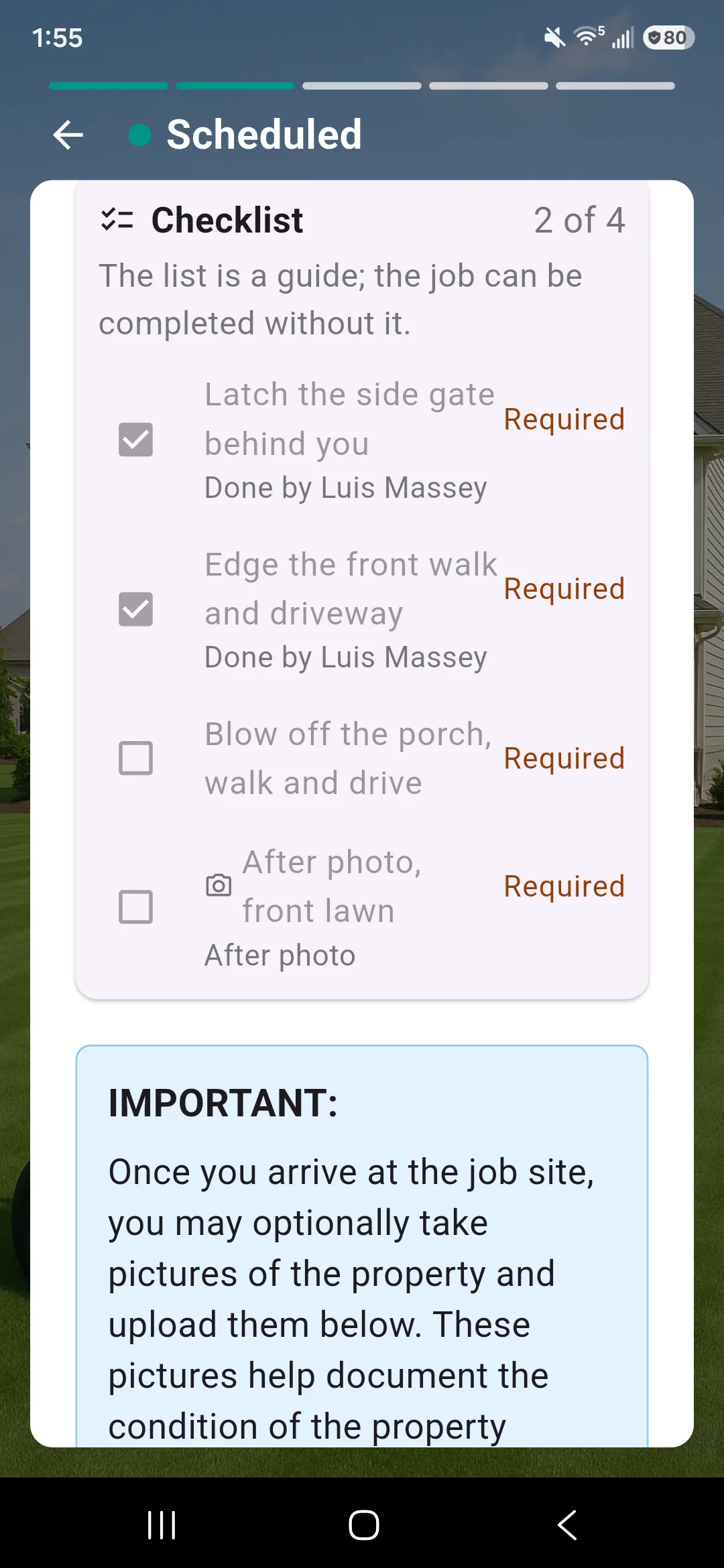
Open a job to see how to get in, what to do and the checklist. Tick items as you finish. Crew instructions show in Spanish once they are translated.
Clock yourself in from the top of any page. As a crew lead you can clock in your whole crew and see and fix their hours.
Message one person, your crew or everyone, with photos, files or a voice message. Read receipts show who has seen it. The app is available in Spanish.
What a crew lead sees
No. Crew leads see their crew’s jobs and customer phone numbers, with no prices.
Your business decides. It can require photos before a job starts, before it is marked done, both or neither.
Yes. The crew app has a Spanish version. Crew instructions show in Spanish once they have been translated, and until then you see the original with a note.
Only if your business turns on the location check. Then the app compares your phone to the property when you start a job. Your business decides whether it is on.
Your owner or manager invites you and picks your role. Then you sign in to the app with your own login.
Try Lawnly free for 30 days. No card, no contract. Run it from the dashboard, or just tell it what you need.
30-day free trialNo cardNo contract